Epson EcoTank ET-2400 vs ET-2850: What the Step-Up Actually Buys
Updated
The ET-2850 is the better machine of the two — it adds automatic two-sided printing the ET-2400 lacks, a faster rated 10.5-ppm black engine, and a one-tap Smart Panel setup. Step up to it if you copy paperwork or print double-sided. But be clear what your extra money buys: a workflow, not a cheaper page. The bottle ink, the 4,500/7,500 in-box yield, and the idle-clog risk are identical on both, so cost-per-page is a dead heat — and neither tank is the right buy if you print only a few times a year.
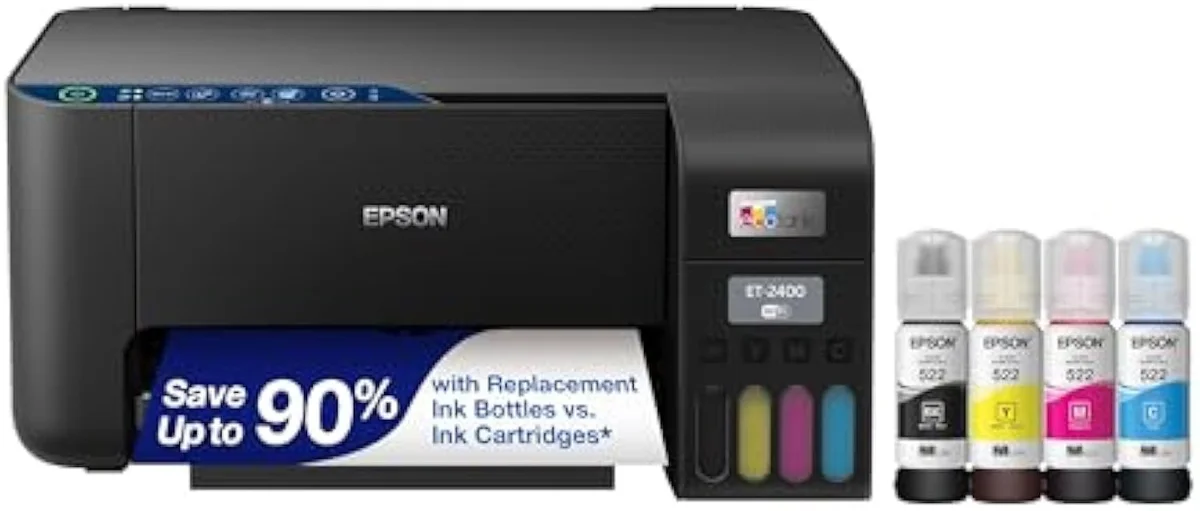
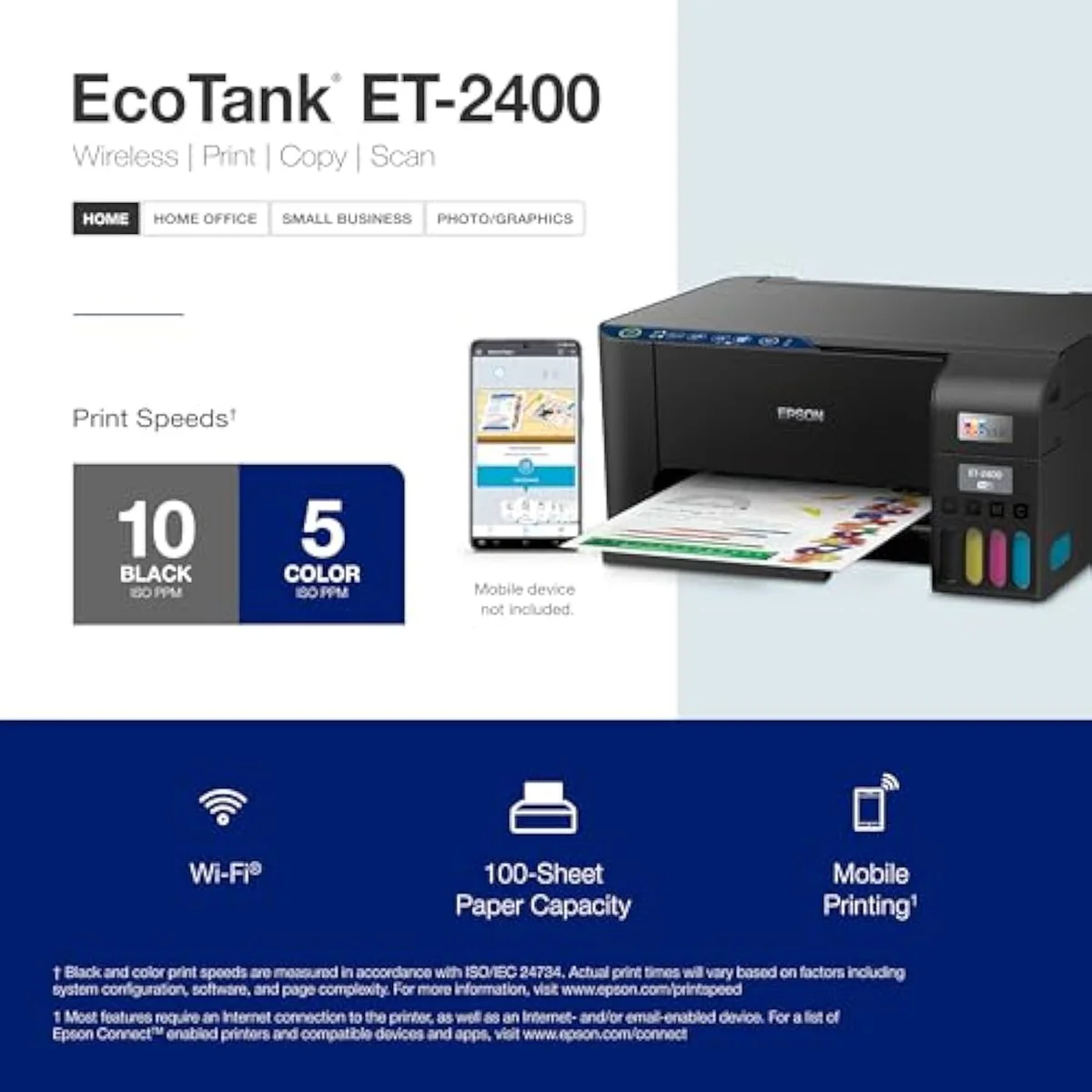
Epson® EcoTank ET-2400 Wireless Inkjet All-In-One Cartridge-Free Supertank Co…
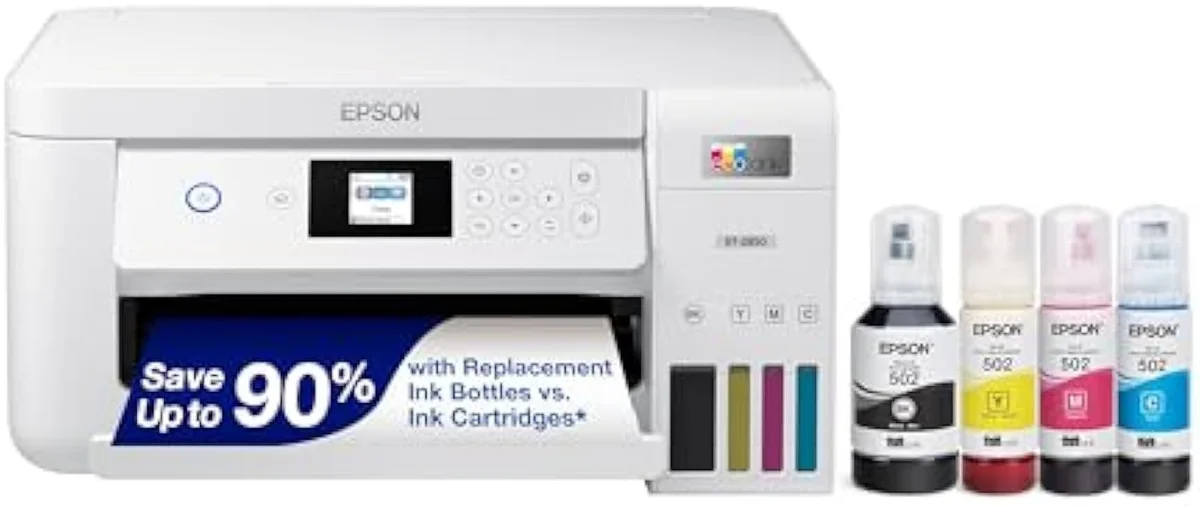
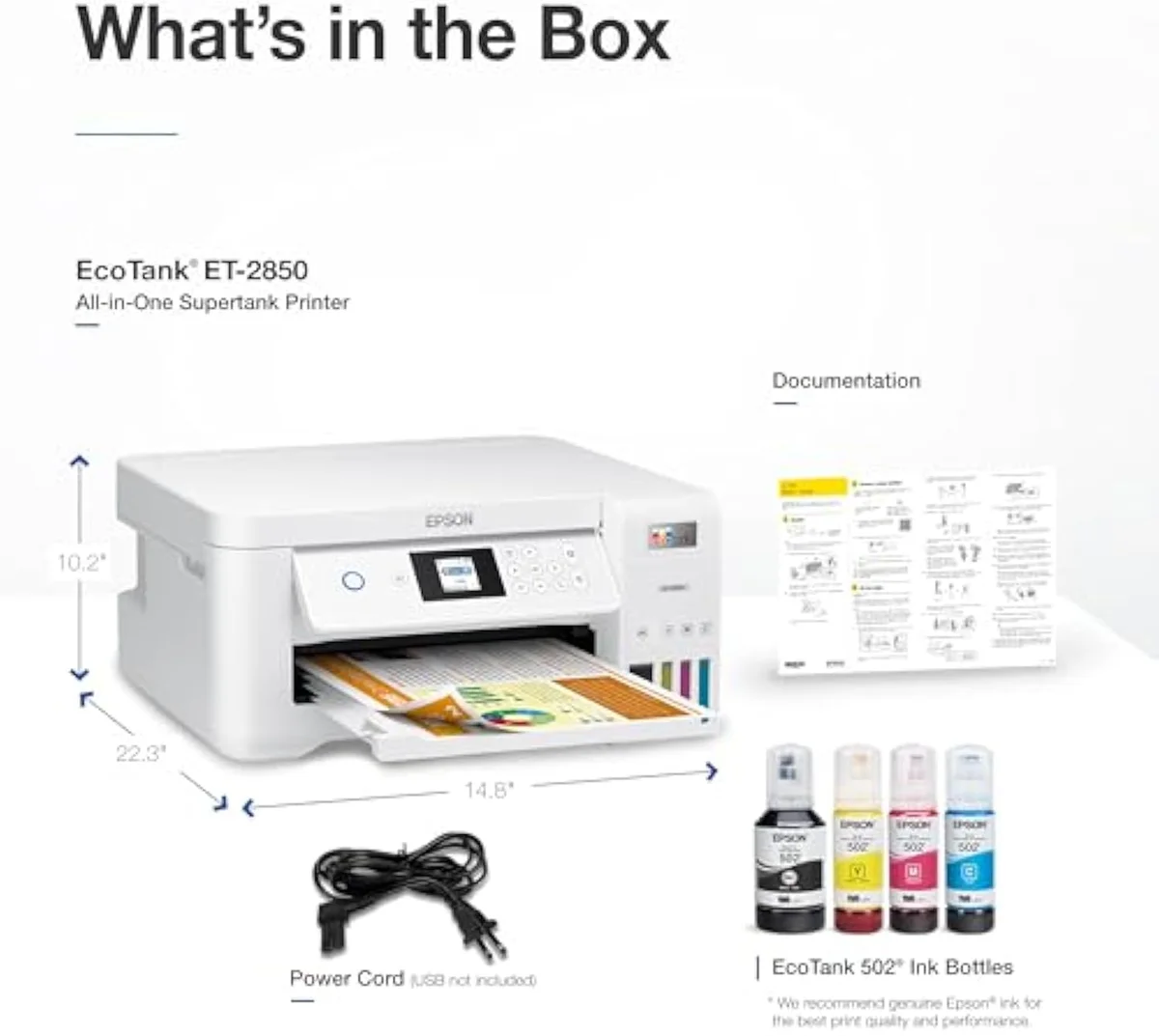
Epson EcoTank ET-2850
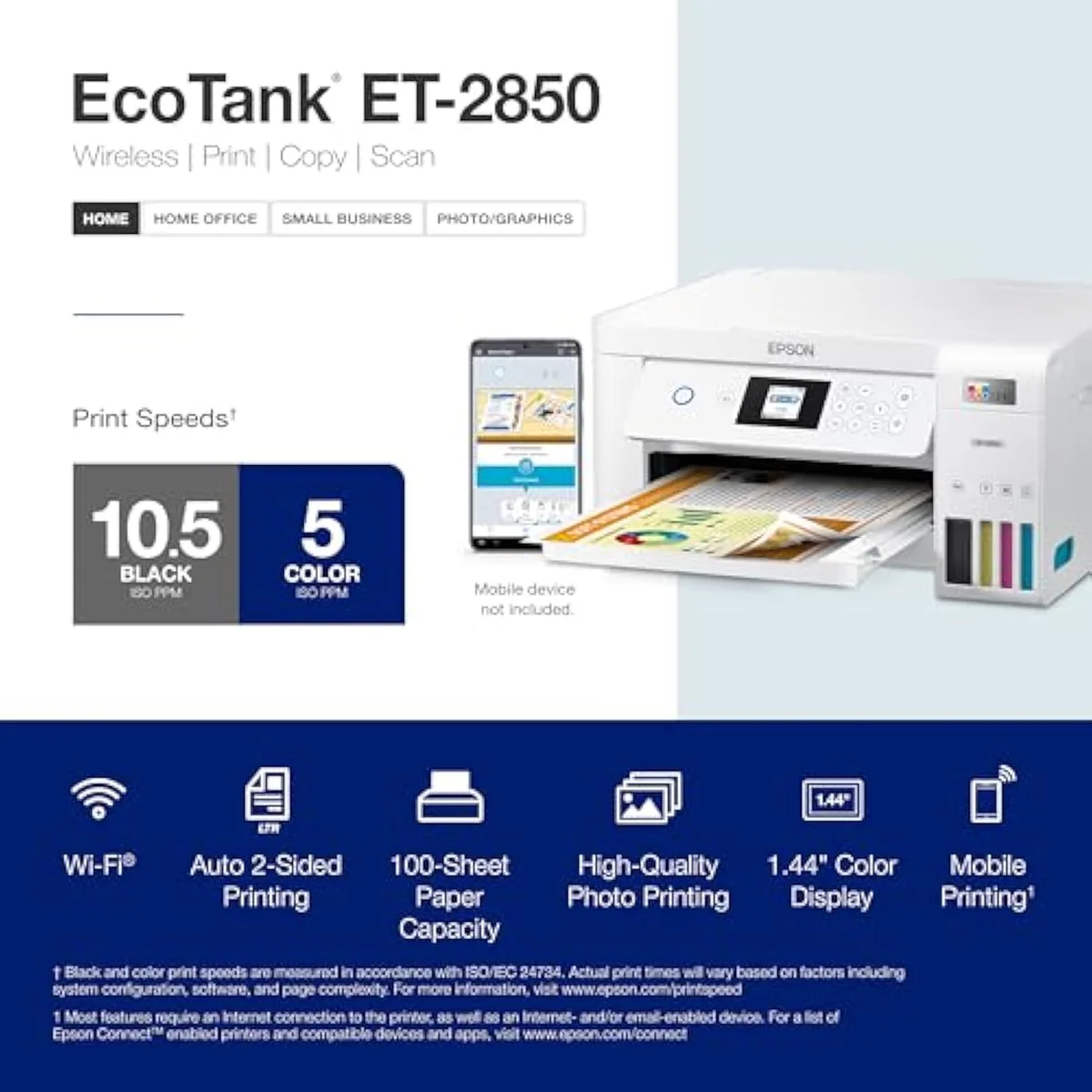
The ET-2850 is the better of the two: it adds automatic two-sided printing, a faster rated black speed, and easier wireless setup the ET-2400 doesn't have. Step up if you copy or print double-sided. But the bottle ink, the 4,500/7,500 yield, and the idle-clog risk are shared — so the step-up buys a workflow, not a cheaper page, and neither suits a twice-a-year printer.
| What the ET-2850 adds | Auto 2-sided printing, faster 10.5-ppm black, Smart Panel one-tap setup, an ADF |
|---|---|
| Shared core | Same bottle ink, same 4,500/7,500 yield, same ~80-cartridge pitch |
| Shared weakness | Idle clogging — same liquid-ink printhead on both |
| Step up if | You copy paperwork or print double-sided regularly |
| Skip both if | You print a few times a year — clog risk outruns the savings |
This pair is not the near-tie the EcoTank ET-2400-vs-ET-2800 matchup is. Here there is a real fork. The ET-2400 is the bare entry tank — cartridge-free, bottle-fed, no automatic duplex. The ET-2850 is the step-up that adds the things the entry model leaves out: it prints two-sided on its own, runs a faster black engine, and connects through Epson's Smart Panel app with less setup friction. So the literal answer is the easy one: the ET-2850 is the better machine, and it is worth the step up if your printing involves copying or double-sided pages.
Here's the thing the model numbers hide. Everything the step-up adds is workflow — speed, duplex, an easier first run. None of it is ink. Both tanks refill from the identical bottles at the identical yield, so the page you print costs the same whichever you own. Spend a minute on the feature gap; spend the rest on the one risk both carry and the question of whether a bottle-fed supertank fits how often you actually print.
The cheaper number is not the cheaper printer to run.
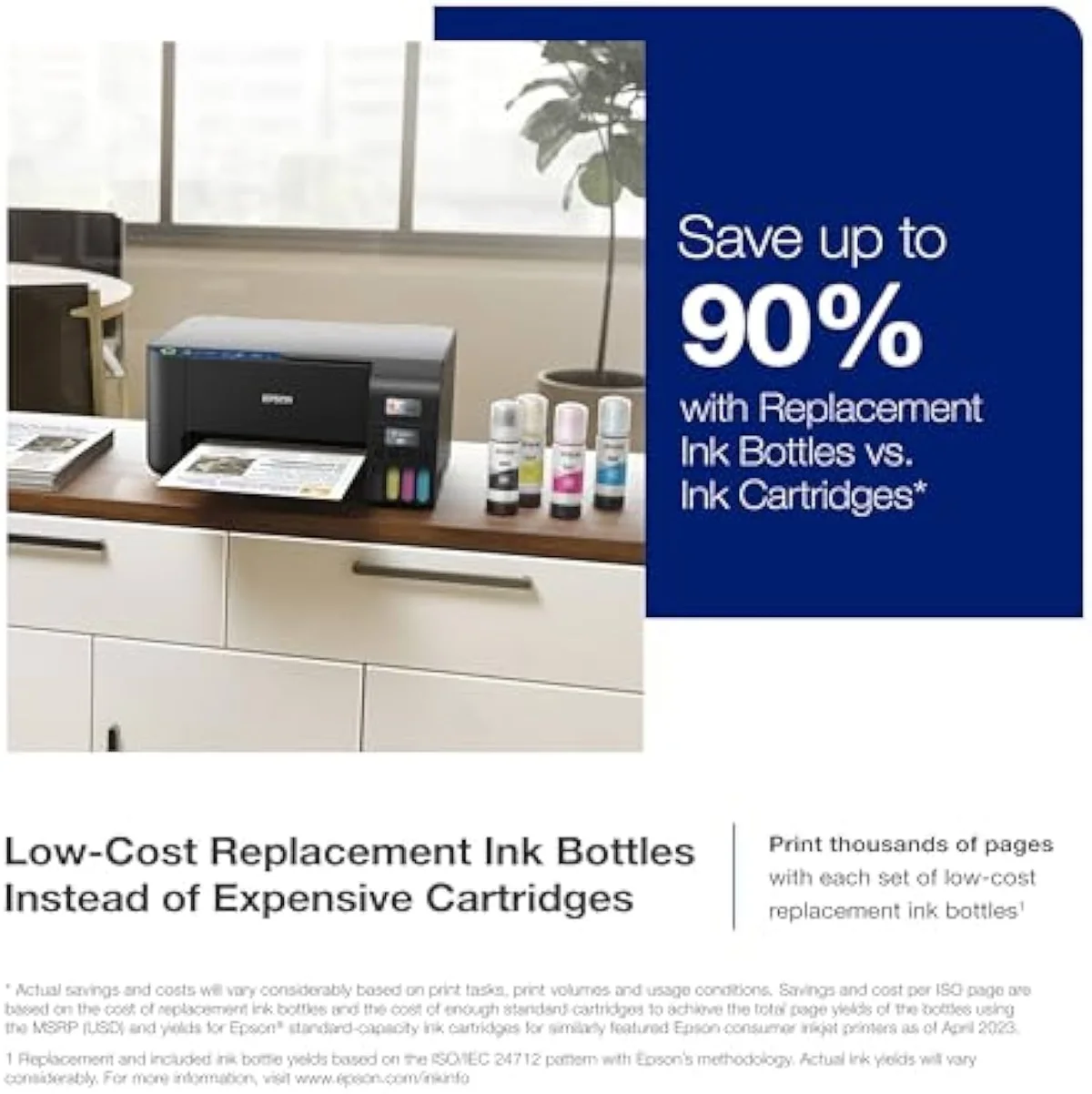
Epson® EcoTank ET-2400 Wireless Inkjet All-In-One Cartridge-Free Supertank Co…
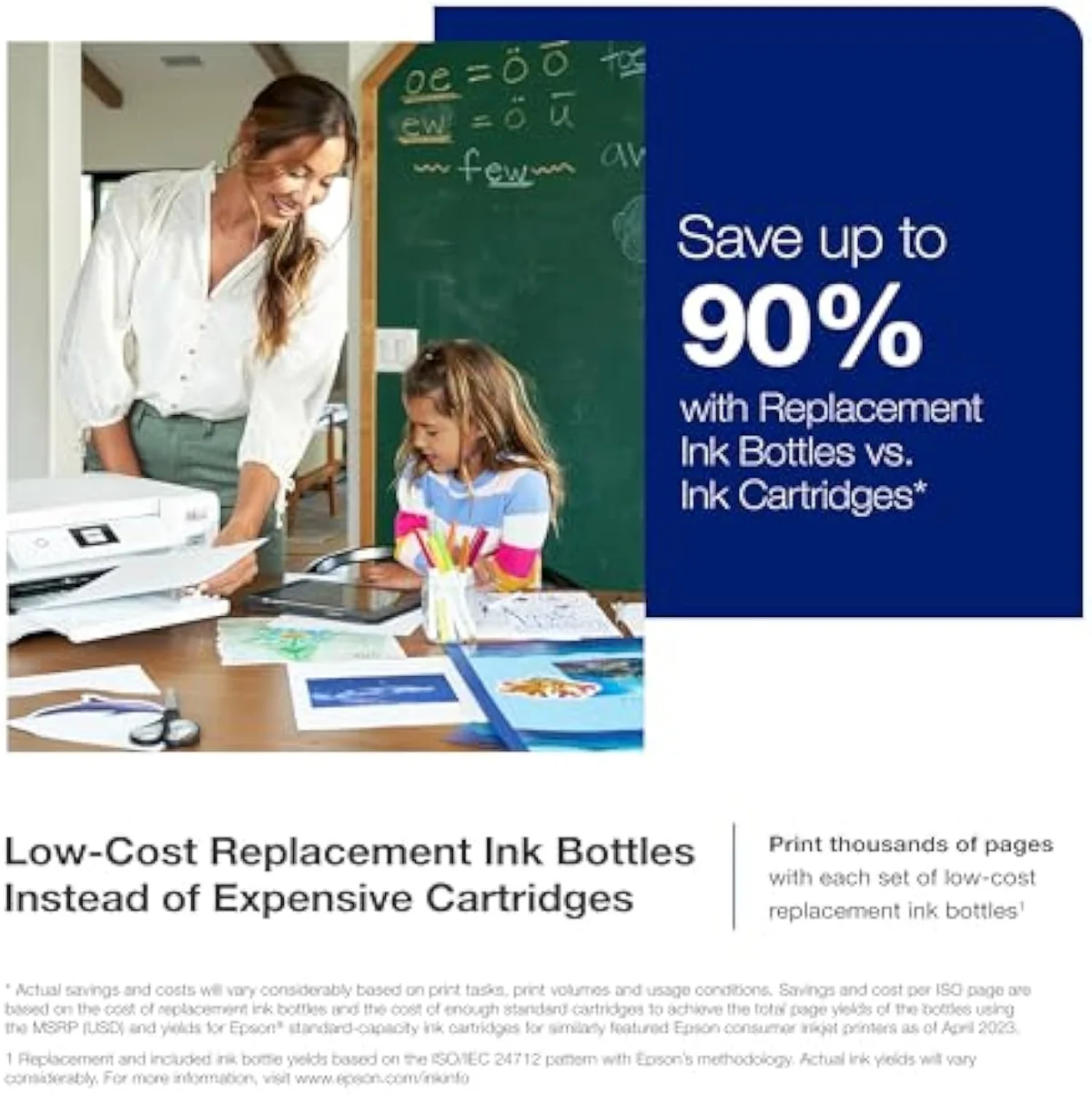
Epson EcoTank ET-2850
At a Glance
| Feature | Epson® EcoTank ET-2400 Wireless Inkjet All-In-One Cartridge-Free Supertank Co… | Editor's Pick Epson EcoTank ET-2850 Wireless Color All-in-One Cartridge-Free Supertank Printer |
|---|---|---|
| Print Speed | — | Up to 10.5 ppm black / 5 ppm color |
| Functions | — | Print, Scan, Copy |
| Connectivity | — | Wi-Fi, AirPrint, Smart Panel app |
| Ink System | — | Cartridge-free refillable tanks |
The features that justify the higher number
Start with what the step-up earns, because it is genuine. The ET-2850's headline addition is automatic duplex: Epson lists that
Speed and setup follow. The ET-2850 is rated to print
One caveat on the feeder before you bank on it: owners report the ET-2850's scanner
Where the step-up buys nothing
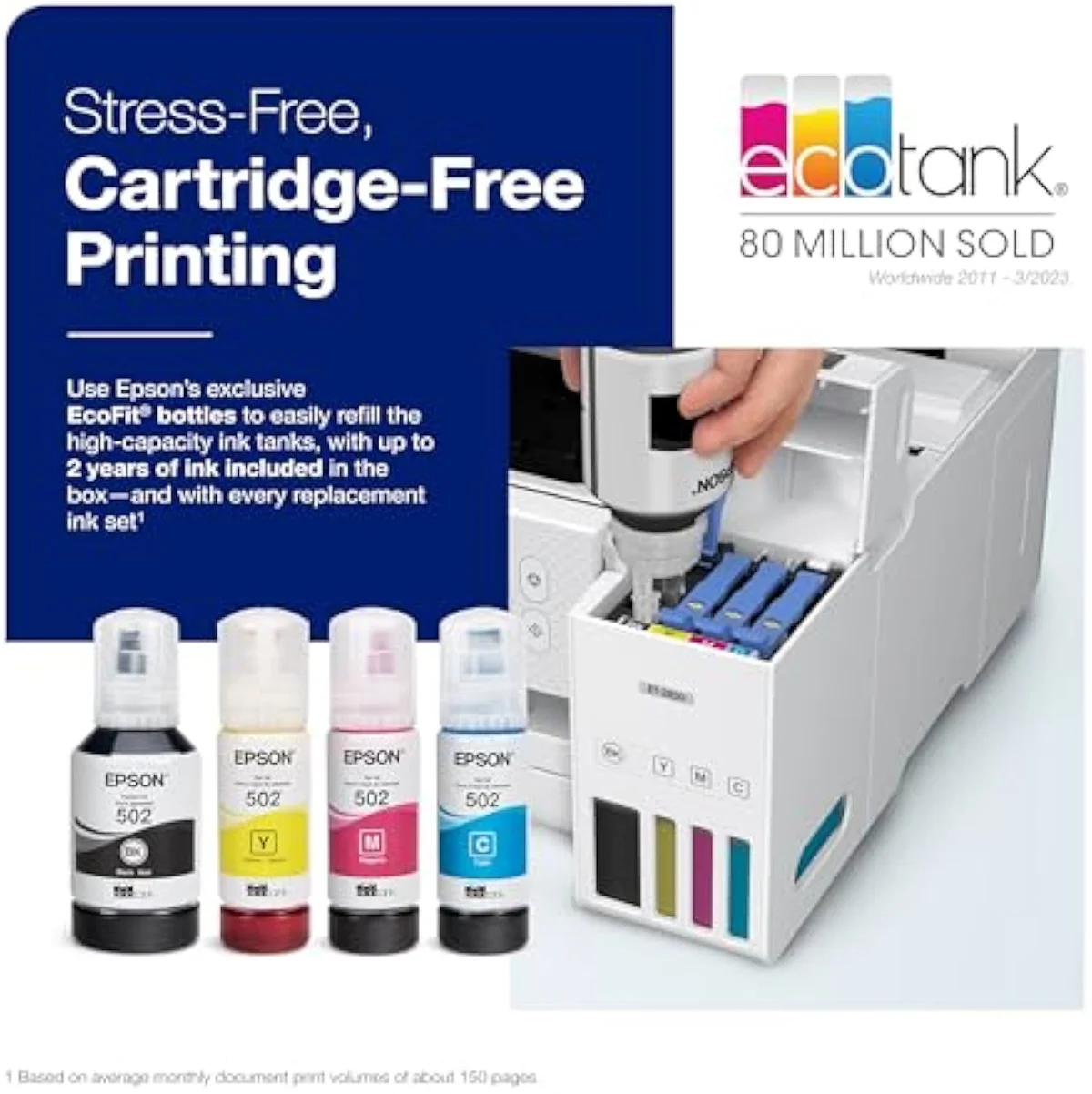
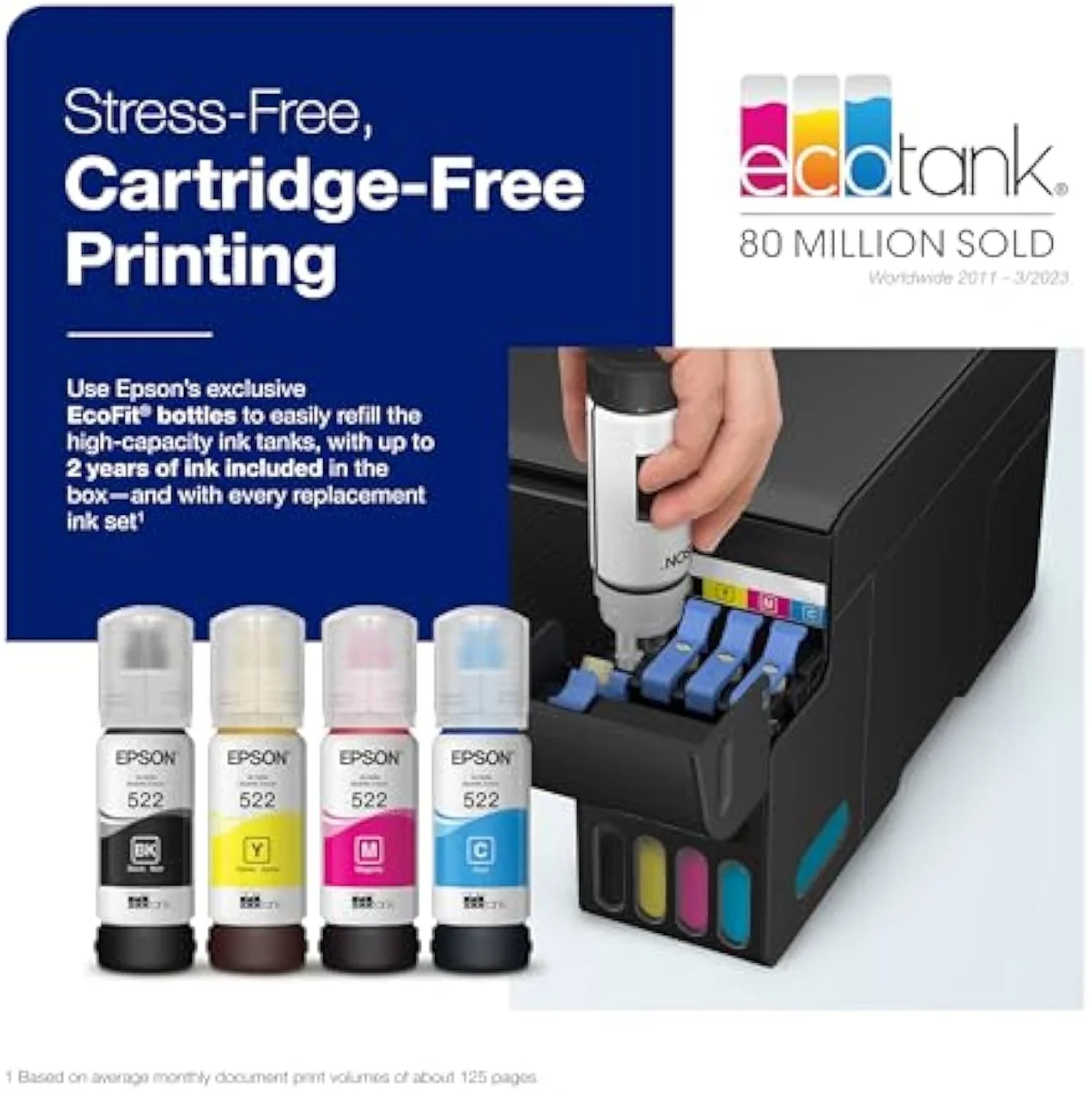
Here's the thing the spec sheet won't foreground: on running cost — the spine of any supertank — these two are the same machine. Both ship cartridge-free and quote the identical in-box rating. Epson prints, on the ET-2400 listing, that the included ink is
Neither machine locks you to a subscription, either. Owners confirm of the ET-2850 that
The running-cost case against cartridges is strong, and the same for both tanks. RTINGS' cost-per-print and page-yield testing puts bottle ink far below cartridge cost-per-page, and Consumer Reports' inkjet running-cost testing reaches the same verdict. Epson's EcoTank page stakes both machines on that thousands-of-pages yield. The savings are the reason to buy a supertank; the model number you choose does not change them.
Print quality lands in the same place on both. Owners describe color across the entry EcoTank line plainly:
The risk the faster model can't outrun
Honestly, the most important thing about this pair is the thing neither model number fixes: idle clogging. Buy the ET-2850 for its speed and you still inherit the entry tank's worst failure mode.
A faster printer that won't print is no faster at all.
Liquid ink dries in the nozzles when an EcoTank sits unused. The printhead behind the ET-2400 and the ET-2850 is the same liquid-ink design, so the risk is identical — and owners of these exact machines manage it by force of habit, keeping a weekly reminder to run the nozzles and head off a clog before it sets. Recovery is not free: a blocked head spends ink on automatic cleaning cycles you never asked for, eating into the very yield you bought the tank to save.
Print in color at least once a week and the clog risk rarely bites either model. Leave one dark for a month and you can meet a blocked head the evening you finally need a page — and the faster engine on the ET-2850 prints nothing while it clears. That is the supertank tax: the savings are real for a steady printer and a fiction for an idle one. For the whole cartridge-versus-tank fork, our best supertank printers roundup lays out where each option earns its place.
Epson® EcoTank ET-2400 Wireless Inkjet All-In-One Cartridge-Free Supertank Co…
Epson EcoTank ET-2850
Entry tank, step-up tank, or neither?
Because the ET-2850 is the step-up and the ET-2400 the bare entry tank, "who buys which" comes down to one question — how much workflow you need — wrapped around the bigger one of whether a bottle-fed EcoTank suits you at all. If you're eyeing the ET-2400 to save, be honest about how often you'll miss the auto-duplex and the feeder. If you're paying up for the ET-2850, accept that you're buying speed and convenience, not a cheaper page. Here is how it resolves.
The direction you came in from changes the answer more than it does for the closer EcoTank pairs. If you're coming from the cheaper ET-2400 and wondering whether the ET-2850 is the real upgrade, the answer is yes for a working household — for ET-2400 owners who copy or print double-sided, the auto-duplex and the faster engine are tangible daily gains, not marketing. Looked at from the ET-2850 side, the honest question back to anyone eyeing the lower-numbered ET-2400 for less is how often you copy or print double-sided: skip those tasks and the entry tank prints the same pages for the same ink money, and you pocket the difference. Either way the bottle yield and the clog risk travel with you.
Step up to the ET-2850 if…
…you copy paperwork or print double-sided. The Epson ET-2850's automatic duplex, its automatic document feeder, and its faster 10.5-ppm black engine are the whole reason to pay more, and for a home office that scans and prints reports they save real time every week. The easier Smart Panel setup is a bonus on top. Going in, accept the trade: you're buying a better workflow on the same ink economics, not an escape from the clog cadence every EcoTank shares.
Buy the ET-2400 if…
…you print mostly single pages and want the cheapest honest way into Epson's cartridge-free line. The ET-2400 sips ink at the same cost-per-page as the ET-2850, so for a buyer who never needs auto-duplex or a feeder it is money saved for nothing that touches running cost. It best suits the cartridge refugee — someone leaving an HP DeskJet behind — who prints color weekly and wants out of the cartridge tax without paying for office features they won't use.
Skip both if…
…you print rarely, or you need true office volume. A twice-a-year household should not buy either supertank — the clog risk outruns the ink savings, and a budget cartridge all-in-one is the calmer pick. If you need steady office throughput, two-sided scanning, or fax, neither entry EcoTank delivers it; an Epson WorkForce or a color laser is the right room. To understand the Epson ecosystem before you buy in, see our Epson inkjet printer guide. The ET-2400 and ET-2850 are for the weekly-or-more home printer escaping the cartridge trap — at any lighter use, both are the wrong tool.
ET-2400 vs ET-2850: the step-up questions buyers ask
Almost every question about these two reduces to "is the step-up worth it?" and "will it clog?" — so here are the straight answers, including the one the model numbers don't advertise.
What does the ET-2850 add over the ET-2400?
Three things you can feel daily, all about workflow rather than ink cost. The ET-2850 prints two-sided automatically; the ET-2400 makes you flip every page by hand. It runs faster — Epson rates it at 10.5 pages per minute in black against the entry tank's slower pace. And it sets up through the Smart Panel app and AirPrint with less first-run friction. What it does not add is a cheaper page: both refill from the same bottles at the same yield.
Is the ET-2850 cheaper to run than the ET-2400?
No — they cost exactly the same per page. Both are cartridge-free EcoTanks quoting the same in-box ink rated to 4,500 black pages and 7,500 color, and both pitch each bottle set as roughly 80 cartridges' worth of ink. The step-up buys you speed and auto-duplex, not lower cost-per-page.
Is the auto-duplex on the ET-2850 worth paying for?
If you print reports or double-sided documents weekly, yes. If you only print single sheets, no.
Does either EcoTank clog if it sits unused?
Both do, and it is the single biggest risk with either one — the step-up does nothing to fix it. Liquid ink dries in the nozzles when an EcoTank sits idle, and the printer then burns ink on automatic cleaning cycles to clear the head. Owners of these tanks manage it the same way: a habit of printing in color at least once a week. Skip that for a month and a clog is waiting the evening you finally need a page, on the ET-2850 as readily as the ET-2400, because the liquid-ink printhead behind both is the same design. The model number changes the speed, not the clog math.
Can the ET-2850 scan a stack double-sided?
No. The ET-2850 adds an automatic document feeder, but owners report it does not scan both sides of a page and stumbles on receipts that aren't a standard size. The ET-2400 has no feeder at all. If two-sided scanning is the job, neither entry EcoTank is the right buy.
Are either of these good photo printers?
Not really. Owners describe color across the EcoTank entry line as muted — clean enough for a worksheet or a recipe, short of a saturated print. For gallery-grade photos, Epson's dedicated EcoTank Photo line is the right tool. Buy either of these for cheap everyday color, not for a wall print.
Track Both Products
We'll email you if either price drops or availability changes.
Only when something changes. Unsubscribe anytime.
Read the Full Reviews
Citations
- [1]"that’s enough to print up to 4,500 pages black/7,500 color"https://www.amazon.com/dp/B0BM9BFLMXCaptured June 3, 2026. Verified June 3, 2026.
- [2]"each ink bottle set is equivalent to about 80 individual ink cartridges"https://www.amazon.com/dp/B0BM9BFLMXCaptured June 3, 2026. Verified June 3, 2026.
- [3]"features a rear-feed input tray that accepts up to 100 sheets"https://www.amazon.com/dp/B0BM9BFLMXCaptured June 3, 2026. Verified June 3, 2026.
- [4]"it doesn't do automatic double-sided printing. You have to flip the paper manually"https://www.amazon.com/dp/B0BM9BFLMXCaptured June 3, 2026. Verified June 3, 2026.
- [5]"The color on the ET series is very muted."https://www.amazon.com/dp/B0BM9BFLMXCaptured June 3, 2026. Verified June 3, 2026.
- [6]"Auto 2-sided printing helps save time and money."https://www.amazon.com/dp/B096N85ZHWCaptured June 4, 2026. Verified June 4, 2026.
- [7]"Prints up to 10.5 pages per minute (ppm) in black and 5 ppm in color."https://www.amazon.com/dp/B096N85ZHWCaptured June 4, 2026. Verified June 4, 2026.
- [8]"Offers mobile printing options, including the Epson Smart Panel App"https://www.amazon.com/dp/B096N85ZHWCaptured June 4, 2026. Verified June 4, 2026.
- [9]"No subscription is required, you can just use the ink bottles that come with the printer"https://www.amazon.com/dp/B096N85ZHWCaptured June 4, 2026. Verified June 4, 2026.
- [10]"it wasn't that great because it doesn't scan doublesided"https://www.amazon.com/dp/B096N85ZHWCaptured June 4, 2026. Verified June 4, 2026.