Epson EcoTank ET-4800 vs ET-2800: Office Plumbing, Same Cheap Ink
Updated
Same ladder, different rung. The ET-4800 and the ET-2800 fill from the same EcoTank bottles and claim the same cartridge-free page yield, so on cost-per-page — the number this site weighs hardest — they are identical. The ET-4800 wins only if you need office paperwork hardware the ET-2800 lacks: an automatic document feeder, a fax modem, Ethernet, and automatic two-sided printing. For a home that prints a few pages a week, none of that earns its price step, and the extra parts only give an idle-prone inkjet more ways to fail — so the entry ET-2800 is the honest buy. Step up to the ET-4800 for a real home office; otherwise pocket the difference. Either way the cartridge tax is already behind you.
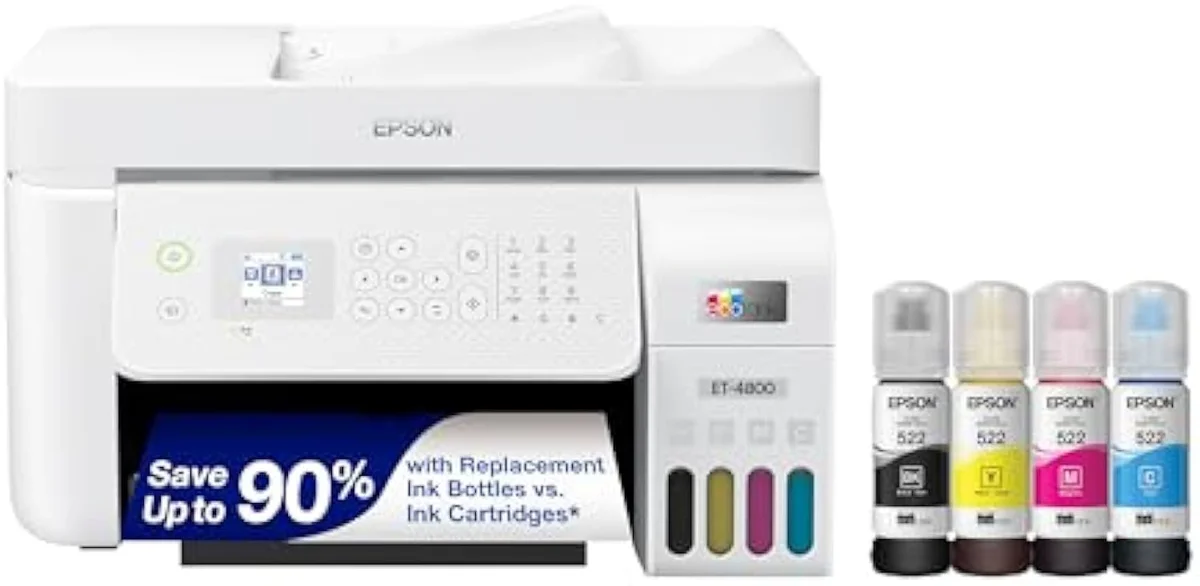
Epson EcoTank ET-4800 Wireless All-in-One Cartridge-Free Supertank Printer wi…
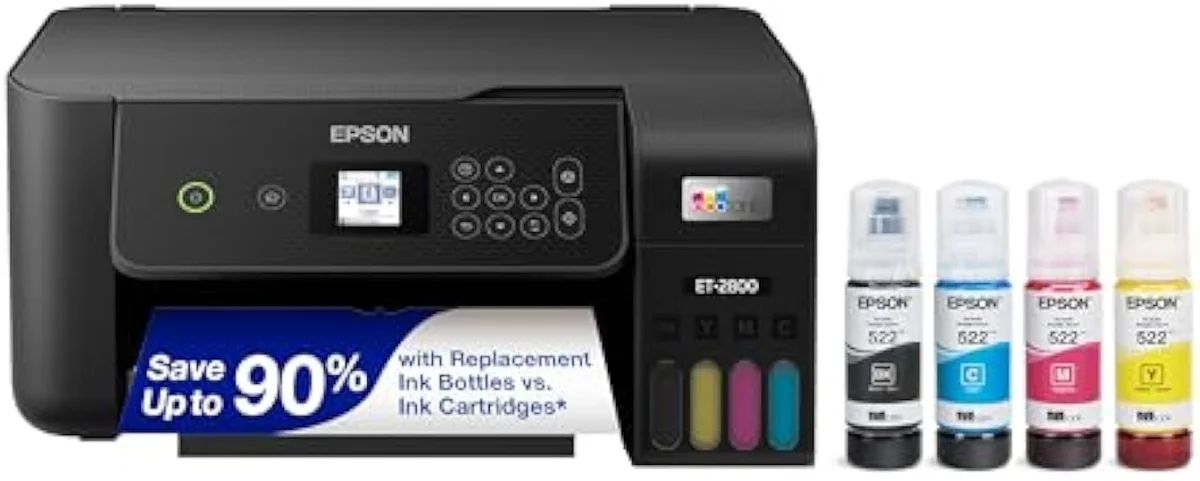
Epson EcoTank ET-2800
These are two rungs of one Epson EcoTank ladder, not two different printers. They share the cartridge-free tanks, the page-yield rating, and the bottle ink, so cost-per-page is a tie. Our pick for a typical home is the entry ET-2800: the dearer ET-4800 only adds office plumbing — an ADF, fax, Ethernet, auto-duplex — and a light user pays for parts they never touch while handing an idle-prone inkjet more ways to fail. Step up to the ET-4800 for a real home office; keep the ET-2800 for everything lighter.
| Shared core | Same EcoTank bottle tanks, rated page yield, cartridge-free ink |
|---|---|
| ET-4800 adds | Automatic feeder, fax, Ethernet, auto-duplex, color display |
| ET-2800 keeps | Print, scan, copy only — a stripped-back basic home unit |
| Cost-per-page | Identical — neither rung is cheaper to feed |
| Shared catch | Idle-clog risk; the ET-4800 just has more to go wrong |
Honestly, this one splits on a single question: do you run a home office, or a home? The Epson EcoTank ET-4800 and the EcoTank ET-2800 sit on the same Epson ladder: refillable bottle tanks, the same cartridge-free page-yield pitch, the same Micro Piezo print engine. Whichever you choose, you have already walked out of the cartridge tax that drives most printer regret. So the choice is never which one saves you more on ink — they save the same — but whether the ET-4800's office hardware earns its price step for how you actually work.
The split is short and concrete. The ET-4800 adds an automatic document feeder, a fax modem, an Ethernet jack, and automatic two-sided printing; the ET-2800 prints, scans, and copies and stops there. That is most of the gap. The rest of this page is about whether that office plumbing is worth paying for and feeding, because on the cost math that decides most supertank buys, there is nothing to choose between these two.
Epson EcoTank ET-4800 Wireless All-in-One Cartridge-Free Supertank Printer wi…
Epson EcoTank ET-2800
At a Glance
| Feature | Epson EcoTank ET-4800 Wireless All-in-One Cartridge-Free Supertank Printer wi… | Editor's Pick Epson EcoTank ET-2800 Wireless Color All-in-One Cartridge-Free Supertank Printer |
|---|---|---|
| Print Speed | — | Up to 10 ppm black |
| Functions | — | Print, Scan, Copy |
| Connectivity | — | Wi-Fi, AirPrint, Smart Panel app |
| Ink System | — | Cartridge-free refillable tanks |
| Material | Glass | — |
The ink math is a tie — both already won it
Here's the thing: the reason to read an EcoTank-versus-EcoTank comparison is not to find the cheaper printer to feed. They cost the same to feed. The expensive printer is the cartridge machine neither of these is.
Both escape cartridges by the identical route. Epson builds the ET-4800 so that
So spend your attention on the hardware, because that is where these two actually differ — and where the price step goes. The cost-per-page line is flat between them.
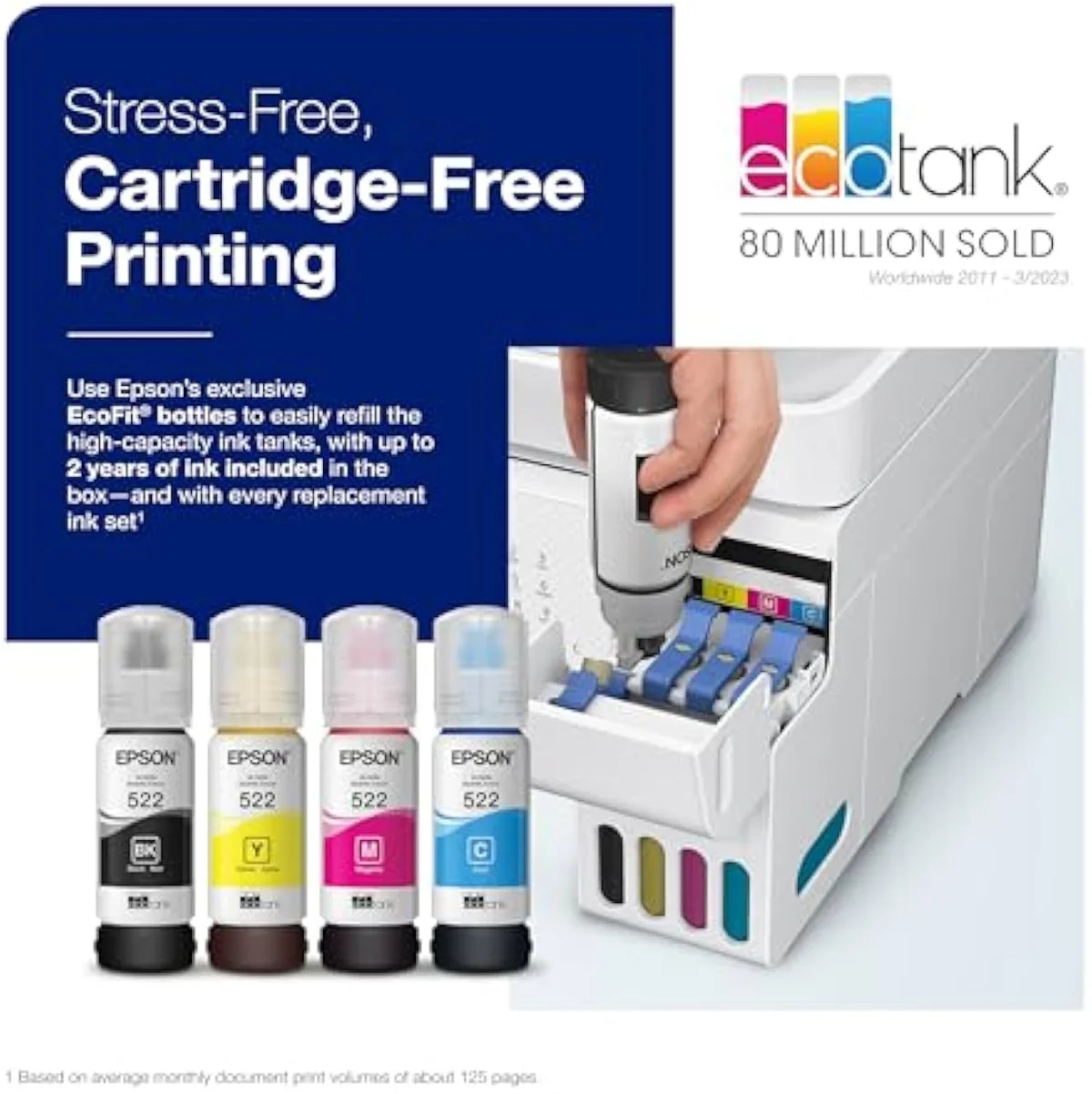
EcoTank ET-4800 — the office rung
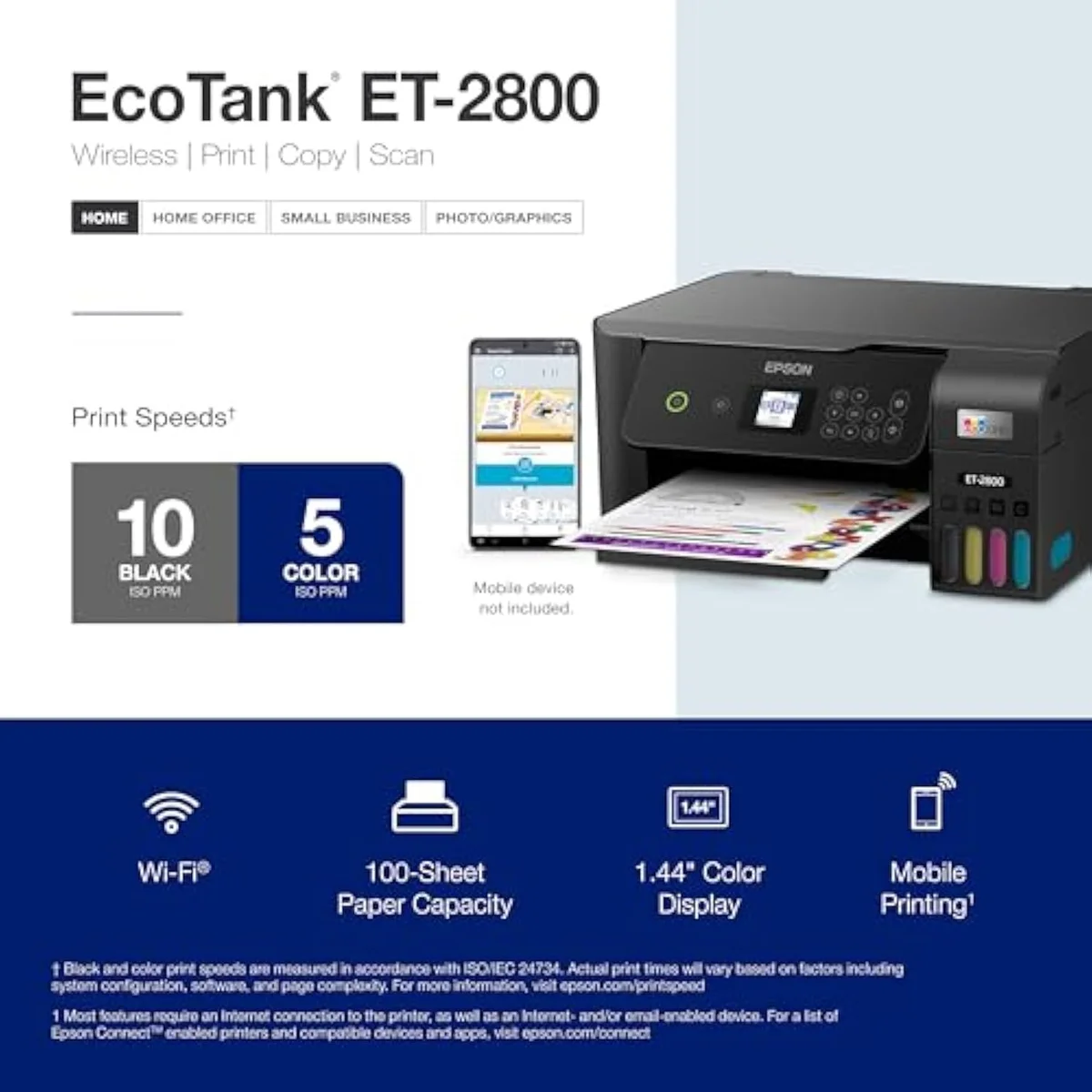
EcoTank ET-2800 — the entry rung
What the office step-up actually buys
With cost off the table, the differences are all about handling paper. The ET-4800 is, in Epson's own listing, an
The feature that matters most is the feeder. An automatic document feeder turns the flatbed scanner from a one-page-at-a-time chore into a stack-and-walk-away copier — the daily difference between scanning a tax return and feeding it sheet by sheet. The second is duplex: an owner confirms
Speed and quality do not separate them. The ET-2800
More machine, more to go wrong
One set of failure modes ignores the feature list entirely: these are the same family, so they inherit the same trouble — and the ET-4800 simply has more parts that can break. This is the part the office step-up makes worse, not better, for a light user.
Start with the idle-clog risk both share. As one owner of the line flatly notes,
Then there is the office hardware itself, every piece of which is a new way to be let down. The feeder is the headline upgrade and the most-reported weak point: an owner finds
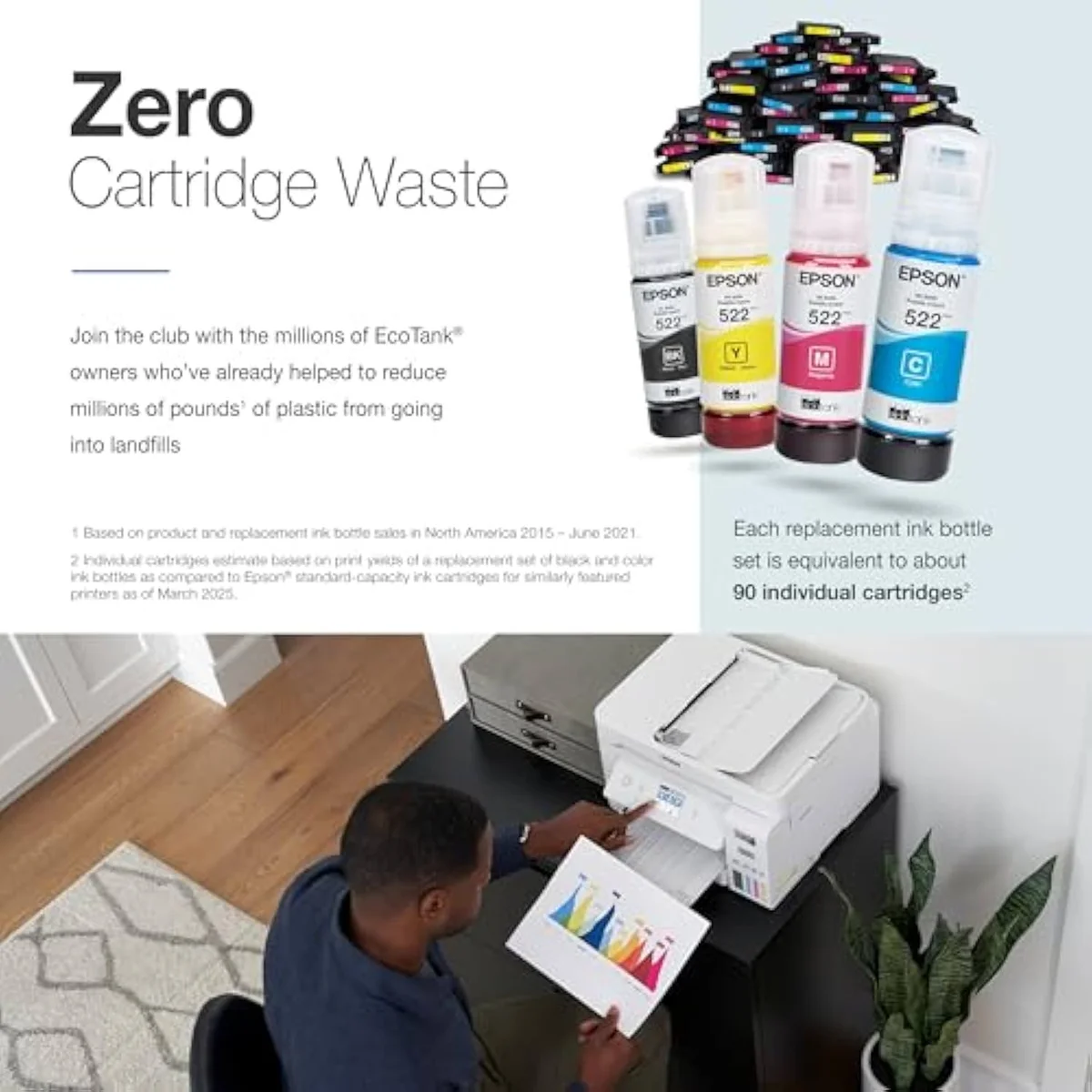
Epson EcoTank ET-4800 Wireless All-in-One Cartridge-Free Supertank Printer wi…
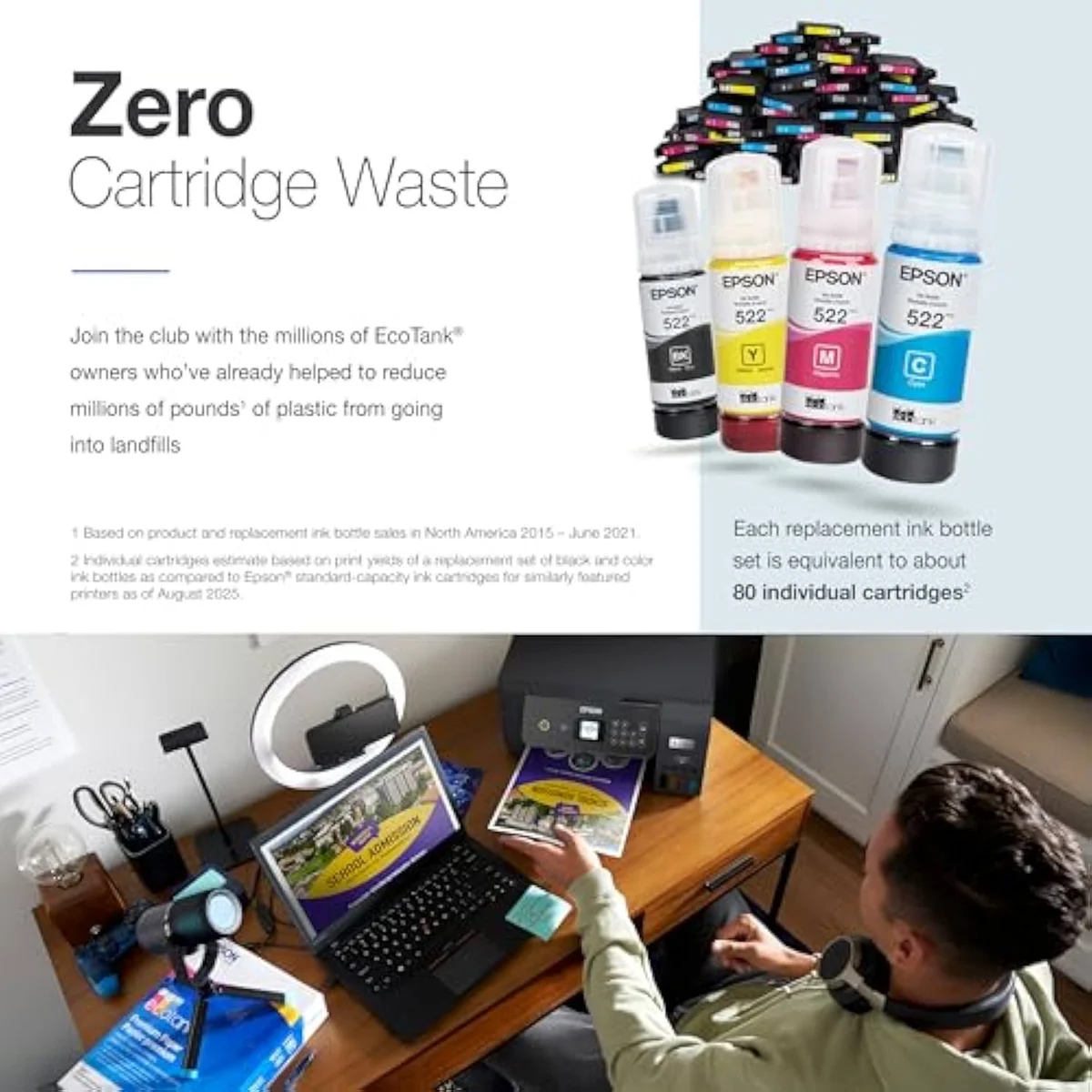
Epson EcoTank ET-2800
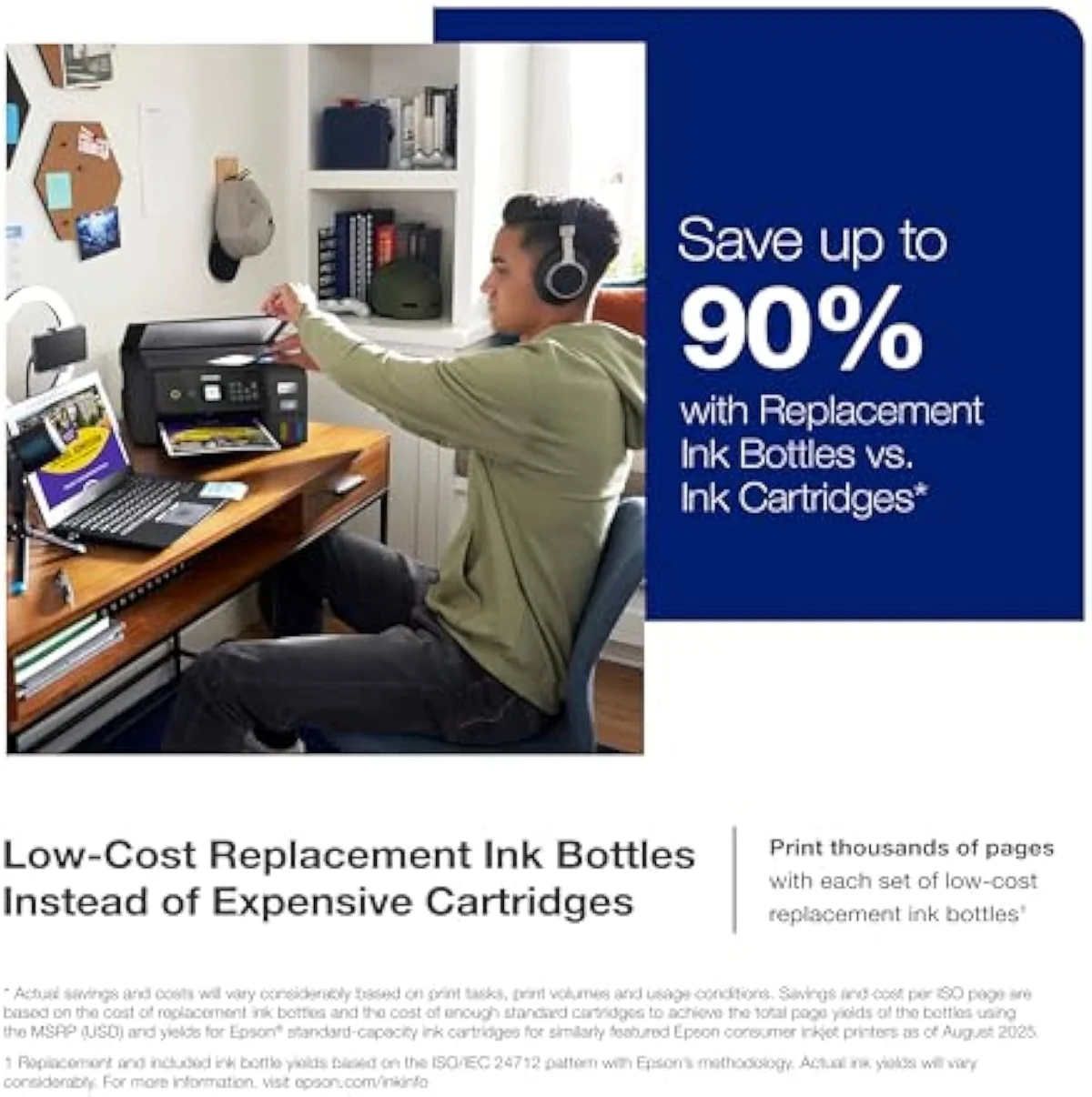
So which EcoTank — office rung or entry rung?
Because the ink math is a tie, "who buys which" comes down to one question: does your week involve office paperwork the ET-4800's feeder, fax, and Ethernet are built for? If you are coming from a clogged or bricked cartridge printer, either EcoTank is the upgrade, and the cost savings land the same on both. The split is purely features versus the parts you will actually use.
Buy the Epson ET-4800 if…
…you run a real home office — copying multi-page documents, faxing, or printing double-sided most days. The automatic document feeder, fax modem, Ethernet jack, and auto-duplex are the ET-4800's whole reason to exist, and for a desk that handles paperwork they save real time every week. Going in, accept two things: the feeder is more office-convenience than office-grade, and the bigger machine has more to clog, so print in color weekly. You pay more upfront for the plumbing, not for cheaper ink — that part is shared.
Buy the Epson ET-2800 if…
…you print homework, labels, recipes, and the odd photo — a home, not an office. The ET-2800 gives you the identical cartridge-free yield, the same bottle ink, and the same low cost-per-page for less money, and its owners consistently call setup painless. You give up the feeder, fax, Ethernet, and auto-duplex — none of which a light household misses — and you hand an idle-prone inkjet fewer subsystems to fail. For most InkVerdict readers cross-shopping these two, this is the honest buy. We weigh where the whole EcoTank line sits in our guide to wireless all-in-one inkjet printers.
Skip both if…
…you print rarely, or you need true office volume. A printer that sits idle for weeks will fight you on either rung — a color laser is the honest pick for sporadic use, with no heads to dry. And a busy office that scans heavy stacks daily will outgrow the ET-4800's light-duty feeder fast and should look a tier up the line. For the full cross-brand running-cost picture, weigh both against the field in our best supertank printers roundup.
ET-4800 vs ET-2800: the office-or-not questions buyers ask
Almost every ET-4800-vs-ET-2800 question reduces to two things: "is one cheaper to run?" (no, they're level) and "is the office gear worth it?" — so here are the straight answers, feature by feature.
Epson EcoTank ET-4800 or ET-2800 — which should you get?
For a home that prints homework, labels, and the odd photo, the ET-2800. The two pour from the same EcoTank bottles and rate the same cartridge-free page yield, so the running cost that makes a supertank worth buying is a dead tie between them. The ET-4800 only pulls ahead on office plumbing the ET-2800 has none of: an automatic document feeder, a fax modem, an Ethernet port, and automatic two-sided printing. If you run a home office that copies stacks of paper, faxes, or prints double-sided every day, that gear earns the step. If you do not, you are paying for parts you will never touch — and giving an idle-prone inkjet more ways to fail.
Is the ET-4800 cheaper to run than the ET-2800?
No. They use the same refillable four-color EcoTank system and the same bottle ink, so cost-per-page is identical. The ET-4800 costs more upfront for its office features, not for cheaper ink. Whichever you pick, you have already escaped the cartridge tax that drives most printer regret.
What does the ET-4800 actually add over the ET-2800?
Four things, and they are all about handling paper, not about ink. The ET-4800 adds an automatic document feeder so it copies and scans multi-page documents without you babysitting the glass, a fax modem, a wired Ethernet jack, and automatic duplex printing. It also carries a small color display the ET-2800 does without. The print engine, the cartridge-free bottle tanks, and the page-yield rating are shared, which is why neither is cheaper to feed.
Does the ET-4800 document feeder work well?
It is the weakest part of the machine. Owners report the autofeeder holds only a light stack before it jams and that the scanner runs slow, so the flatbed glass stays the reliable scan path. The feeder is the headline reason to buy the ET-4800 over the ET-2800 — go in knowing it is more office-convenience than office-grade.
Do both clog with light, infrequent use?
Yes — and this is the part neither rung escapes. Both are liquid-ink inkjets whose print heads dry in the nozzles when the printer sits idle, and both burn ink on cleaning cycles to recover. The ET-4800 is the riskier buy for a light user only because it has more to go wrong; the head behaviour is the same family trait. Print in color at least weekly and power the unit down through its own button. Do that and both behave; ignore it and either can clog the week you need it.
Track Both Products
We'll email you if either price drops or availability changes.
Only when something changes. Unsubscribe anytime.
Read the Full Reviews
Citations
- [1]"Epson EcoTank ET-4800 Wireless All-in-One Cartridge-Free Supertank Printer with Scanner, Copier, Fax, ADF and Ethernet"https://www.amazon.com/dp/B09P45LR5TCaptured June 3, 2026. Verified June 3, 2026.
- [2]"High-capacity ink tanks mean no more tiny, expensive ink cartridges"https://www.amazon.com/dp/B09P45LR5TCaptured June 3, 2026. Verified June 3, 2026.
- [3]"The printer dues Dual-Sided Print - Great for"https://www.amazon.com/dp/B09P45LR5TCaptured June 3, 2026. Verified June 3, 2026.
- [4]"That will take you over 2 hours to get all loaded."https://www.amazon.com/dp/B09P45LR5TCaptured June 3, 2026. Verified June 3, 2026.
- [5]"Constantly not printing the text. Have to clean out nozzles, align, etc..."https://www.amazon.com/dp/B09P45LR5TCaptured June 3, 2026. Verified June 3, 2026.
- [6]"The color on the ET series is very muted."https://www.amazon.com/dp/B09P45LR5TCaptured June 3, 2026. Verified June 3, 2026.
- [7]"The scanner is very slow and the amount of sheets you can put into the autofeeder is lightweight before complications and jams happen."https://www.amazon.com/dp/B09P45LR5TCaptured June 3, 2026. Verified June 3, 2026.
- [8]"The "Scan to Computer" function on a wired network is very inconsistent."https://www.amazon.com/dp/B09P45LR5TCaptured June 3, 2026. Verified June 3, 2026.
- [9]"Features Micro Piezo Heat-Free Technology for color printing, scanning, and copying."https://www.amazon.com/dp/B096N8DN2HCaptured June 4, 2026. Verified June 4, 2026.
- [10]"Innovative cartridge-free printing"https://www.amazon.com/dp/B096N8DN2HCaptured June 4, 2026. Verified June 4, 2026.
- [11]"High-capacity ink bottles provide a high page yield, allowing you to print thousands of detailed black and color pages"https://www.amazon.com/dp/B096N8DN2HCaptured June 4, 2026. Verified June 4, 2026.
- [12]"Wireless Color All-in-One Cartridge-Free Supertank with Scan and Copy, The Ideal Basic Home Printer"https://www.amazon.com/dp/B096N8DN2HCaptured June 4, 2026. Verified June 4, 2026.
- [13]"Set up was easy."https://www.amazon.com/dp/B096N8DN2HCaptured June 4, 2026. Verified June 4, 2026.
- [14]"we got 3 years out of our black ink, and a generic replacement bottle is"https://www.amazon.com/dp/B096N8DN2HCaptured June 4, 2026. Verified June 4, 2026.
- [15]"ink tank printers are still inkjet printers, and thus are subject to the heads drying out if not run often."https://www.amazon.com/dp/B096N8DN2HCaptured June 4, 2026. Verified June 4, 2026.